Designed with love

Files for Laser Cutting

Designed with love

Files For Laser Cutting

Laser Cut Files
for Plywood

DESIGNED WITH LOVE

Digital Files

Original Designs

High Quality

Commercial License

Best Sellers

  • All
  • Book Nooks
  • Boxes
  • Halloween
  • Home Decor
  • Puzzles
  • Valentine's Day
  • Award Trophy
  • Calendars
  • Christmas
  • Coasters
  • Craft Accessories
  • Games
  • Gifts
  • Keychains
  • Kids & Learning
  • Money box (Piggy bank)
  • Organizers
  • Photo Frames
  • Stands

Free tools for makers

Make cut-ready laser files in your browser: set the size and material, preview it and download SVG or DXF. No sign-up, no limits.

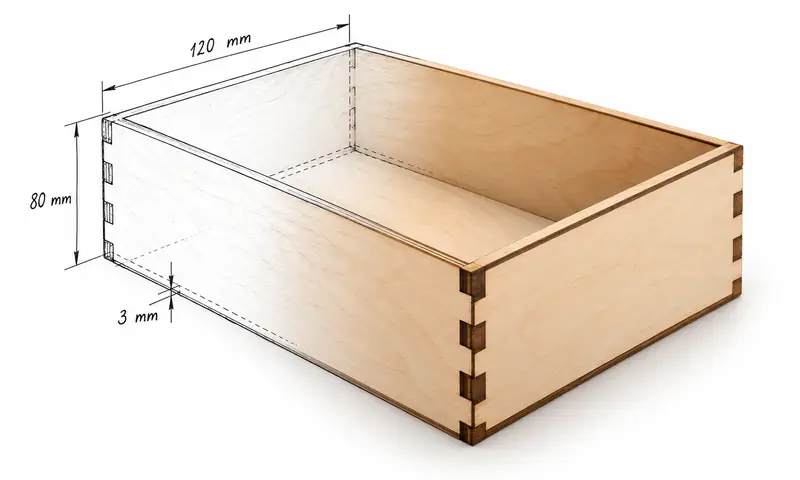
FreeLaser cut finger joint box 120 x 80 mm from 3 mm plywood

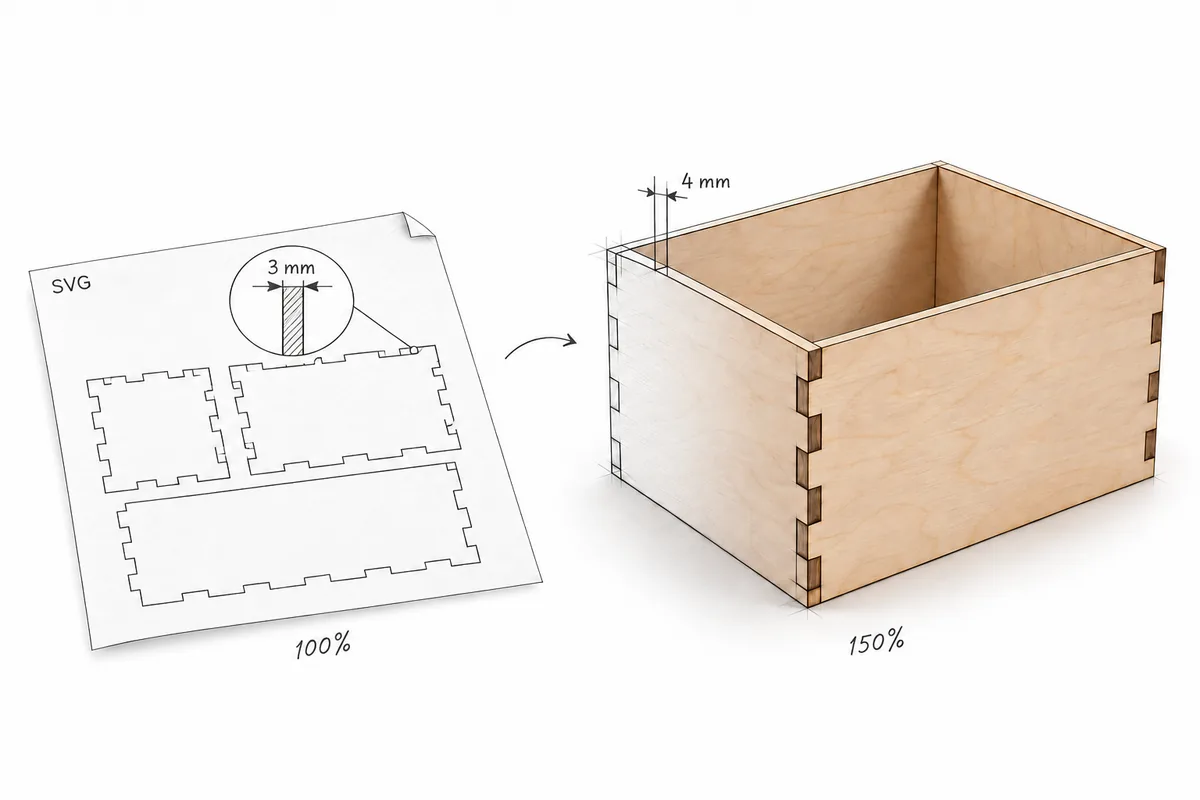
Laser Cut Box Generator

Finger-joint boxes in any size: open, closed or with a lift-off lid. 3D preview, kerf compensation, SVG and DXF.

Make a box →
FreeKerf and fit test comb with 0.10 mm steps and a test key, 3 mm plywood

Kerf & Fit Test

Cut one small test, measure it and get the exact kerf and joint clearance for your laser and material.

Test your laser →
FreeGolden retriever photo laser engraved on a wooden plaque: half photo, half engraving

Photo to Laser Engraving

Turn any photo into a ready-to-engrave PNG for wood, slate, leather, metal, acrylic or glass, plus a small test card to find the best settings.

Engrave a photo →
FreeLaser cut plywood corner stand holding a 200 mm plate, drawn as half sketch, half photo

Card & Plate Stand Generator

Stands for trading cards, graded slabs, business cards, place cards, plates and pictures. Add a name to engrave, check it in 3D and download SVG or DXF.

Make a stand →
FreeCO2 laser mirror holder with brass adjusting screws, tape target with two burn marks and a turn arrow, drawn as half sketch, half photo

CO2 Laser Mirror Alignment

Fire a pulse at the tape, tap where the mark landed and see which mirror screw to turn, which way and how far. Routine check or full alignment, on your phone at the machine.

Align your mirrors →
FreeLaser focus ramp test: plywood strip propped on a 12 mm block with a line that is thinnest at the focus mark, drawn as half sketch, half photo

Laser Focus Test

Prop a strip on a block, burn one line along it and see where it is thinnest. The number there tells you how far to move the laser for perfect focus. LightBurn file and SVG.

Find your focus →
FreeLaser mechanics test on 3 mm plywood: circles with crosses at 50 to 200 mm/s, clean at low speed, a step and gaps at high speed, half sketch, half photo

Laser Mechanics Test

Burn circles with crosses at rising speeds, mark where the lines start to slip or break and see the likely causes for your laser: belts, pulleys, steps per mm, acceleration. Plus a frame check for squareness. LightBurn file and SVG.

Check your mechanics →
FreeLaser material test grid engraved on 3 mm plywood: power 20 to 100 percent by speed, drawn as half sketch, half photo

Laser Material Test

Burn one small grid of squares, each with its own power and speed, and find the right settings for your laser and material. LightBurn file with settings, plus SVG.

Test your material →
FreeLaser LPI test on 3 mm plywood: engraved squares from 100 to 300 lines per inch at three powers, lines merging from left to right, drawn as half sketch, half photo

Laser LPI Test

Find how close your engraving lines should be: a grid of line intervals and powers for your laser and material. Use the result for fills and as a starting DPI for photos. LightBurn file and SVG.

Find your LPI →
FreeLaser living hinge test: 3 mm plywood strip with rows of staggered cuts bent into an arch, row pitch 2 mm and bend radius 30 mm marked, half sketch, half photo

Laser Living Hinge Test

Cut a set of test strips with different row pitch and patterns, bend them around one former and find the living hinge that works in your plywood, MDF or acrylic. LightBurn file and SVG.

Test your hinge →
Coming soonPersonalized laser cut Christmas ornament with a name, snowflake and tree

Christmas Name Ornaments

Personalised ornaments with any name, in any alphabet. Make a whole set from a list of names.

In the works

See all free tools

Customer Reviews

Frequently Asked Questions

Yes. Depending on the material you use you may have to resize slots, tabs, or joints if you are using a larger or smaller thickness material then what is stated on designs that have slots, tabs, or joints.

No. If you are using the same sized material thickness or if it is a design that is flat and states in the description that any size material will work.

Not sure how your material and laser behave? Cut our free Kerf & Fit Test first. It measures your real kerf and the joint clearance for that material in a few minutes, so you know whether the slots need adjusting.

Just save the ZIP file to your device and when the download has been completed proceed to extract the files using an uncompressing program such as WinZip that you can easily download from the web for free.

- AI can be used with: Adobe Illustrator;
- CDR can be used with: CorelDRAW X9 or higher;
- DXF can be used with: AutoCAD, Silhouette Basic Edition;
- EPS can be used with: CorelDraw, Inkscape, Adobe Illustrator;
- PDF can be used with Acrobat Reader, Firefox, Google Chrome, ABBYY FineReader etc.;
- PNG can be used with Adobe Photoshop, Illustrator, CorelDraw, Inkscape;
- SVG can be used with: CorelDRAW X3 or higher, Inkscape, Cricut Design Space, Silhouette Designer Edition.

Each technology has its own cutting tool.
Cricut machines and vinyl cutters use knives, CNC milling machines use drills.
These layouts are designed for laser cutting and are not suitable for CNC milling machines.

Slight deviations in the dimensions of the finished parts are possible.

1. Each batch of materials (especially wood) may differ slightly in thickness in different batch. Be sure to measure the thickness of the material.

2. Your laser may produce a slightly different cut than mine. Therefore, I highly recommend that you test your cut, check all dimensions and make adjustments to the design if necessary, before cutting the final design. Due to the differences in the characteristics of the equipment and the materials used, I cannot guarantee that something will fit perfectly with you.

Based on my design, you can adjust all the elements based on your equipment and material.

Tip: run our free Kerf & Fit Test on the same sheet before the final cut. You get your exact kerf and the clearance that gives a snug joint on your laser.

You may sell what you make, you may not sell this files.

All texts are converted into curves. The fonts are not included in the file.

If nothing happens when you click the download links, it’s possible that there’s an issue with your web browser. Please disable any non-standard add-ons like ad blockers or toolbars that you’ve installed and try again.

If your computer states that the file has been corrupted, delete the file and try downloading it again. If you still can't open the file, please contact the seller through email for further assistance.

If your computer is unable to open the file, it’s possible that you’re missing the program required to open the file type.

First, check your spam or junk inbox. If you use Gmail, also check your Social and Promotions tabs.

Subscribe to our newsletter

Be the first to know about new designs and exclusive offers.

Newsletter

New designs and occasional offers. No spam, unsubscribe anytime. Privacy Policy

CutCatVector.Pro is operated by Individual Entrepreneur Pavel Piatrou · 10-13 Evgeni Mikeladze Street, 0159 Tbilisi, Georgia · support@cutcatvector.pro · © 2026