
A few months ago, I realized I’m great at dreaming and working – but not always great at saving. I wanted to set aside money for a trip, but somehow it kept disappearing – like socks in the washing machine (you know the feeling, right?).
So I decided to change my approach.
Not with a spreadsheet. Not with a banking app. But with a laser cut wooden coin bank.
Short answer: a coin bank with your savings goal engraved on the front makes saving visible – every coin brings you a little closer to the number. My template has 10 goal levels from 1000 to 10000, with or without the dollar symbol. It cuts from 3 mm (1/8″) or 4 mm plywood and assembles in under 10 minutes.
Why does visual saving actually work?
There’s something powerful about seeing your savings grow. Every coin or bill inside the box becomes a small win. It’s satisfying. Motivating. And yes – even a bit fun, especially for kids (and let’s be honest – for many grown-ups too, like me).
As you mark off the amounts engraved on the front, you see your real progress. And that:
- makes your goal clear and visible;
- keeps it top of mind every day;
- gives you that amazing “yes!” moment when you reach it.
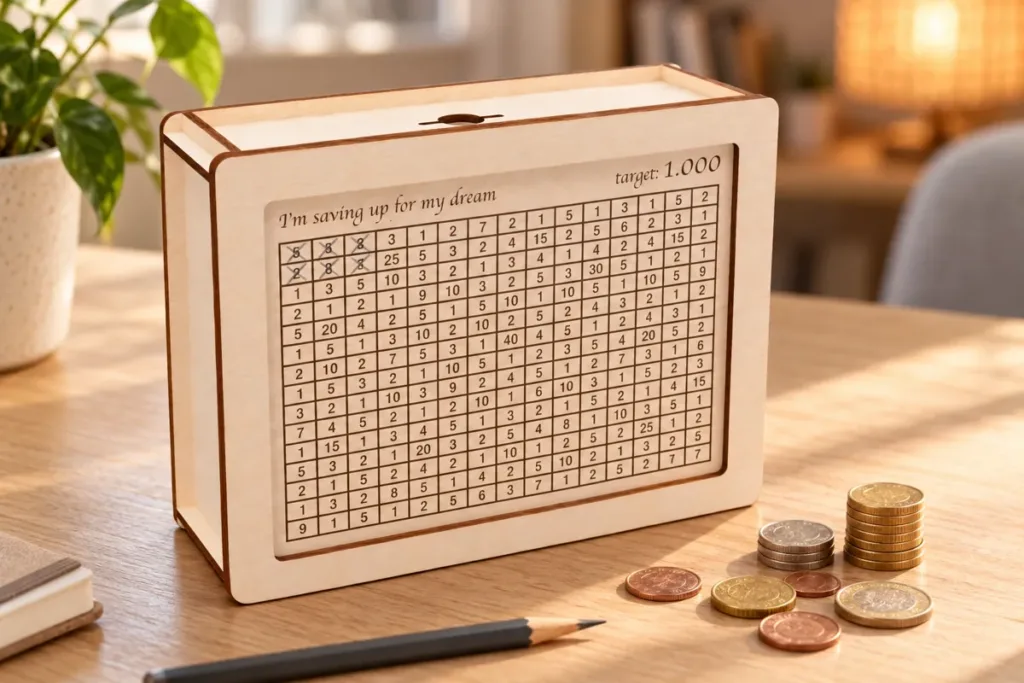
A simple but clever box with numbers
The template I used is a wooden coin box with an engraved savings goal on the front. I made one for myself with a goal of 3000.
But in my complete set, you’ll find 10 versions – from 1000 to 10000 – and two styles of engraving:
- one with the dollar symbol;
- and one with just the number – perfect for any currency.
Start small, then level up as you go!
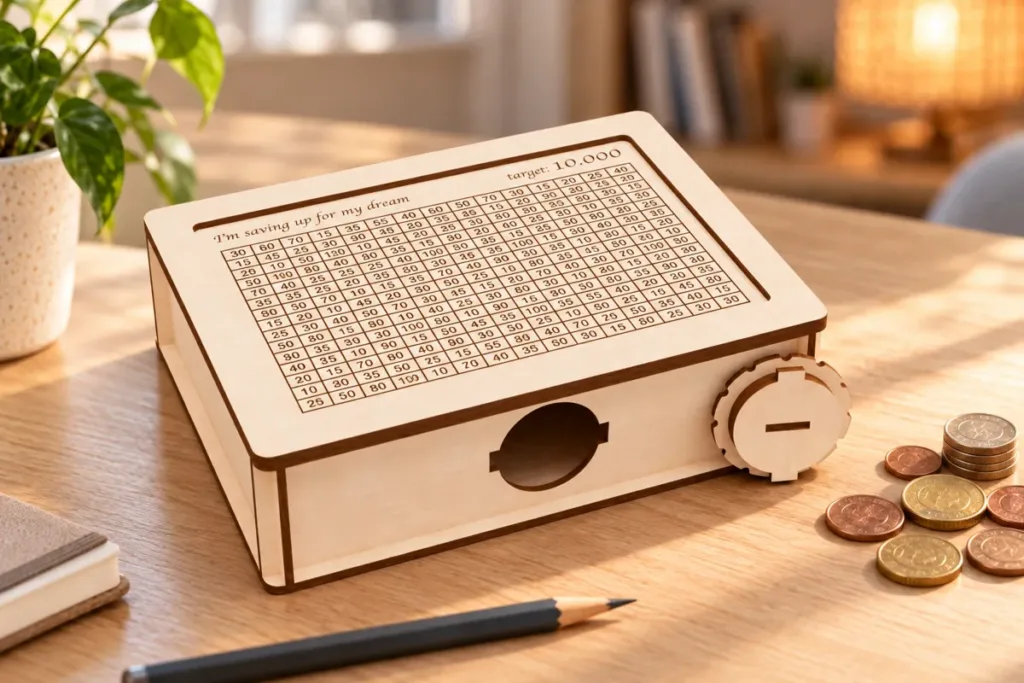
How long will it take to reach your goal?
Here’s the part I wish I had thought about earlier: pick a goal you can actually reach. A box that stays half-empty for years stops being motivating. This simple table shows how long each level takes with a fixed weekly amount:
| Goal | $25 a week | $50 a week | $100 a week |
|---|---|---|---|
| 1000 | 40 weeks (~9 months) | 20 weeks (~5 months) | 10 weeks |
| 3000 | 120 weeks (~2.3 years) | 60 weeks (~14 months) | 30 weeks (~7 months) |
| 5000 | 200 weeks (~3.8 years) | 100 weeks (~2 years) | 50 weeks (~1 year) |
| 10000 | 400 weeks (~7.7 years) | 200 weeks (~3.8 years) | 100 weeks (~2 years) |
My tip: choose a level you can fill in 6–12 months. When it is full, empty it into your bank account – and start the next, bigger box.
Want a box like mine? The set has all 10 goal levels from 1000 to 10000, with and without the dollar symbol – pick the one you can fill this year.
Think it’s hard to make? Not at all!
I cut mine from 3 mm plywood using my xTool. But the templates also support 4 mm and 1/8 inch materials.
Final size:
150 mm (height) × 200 mm (depth) × 59 mm (width) ≈ 5.9″ × 7.9″ × 2.3″
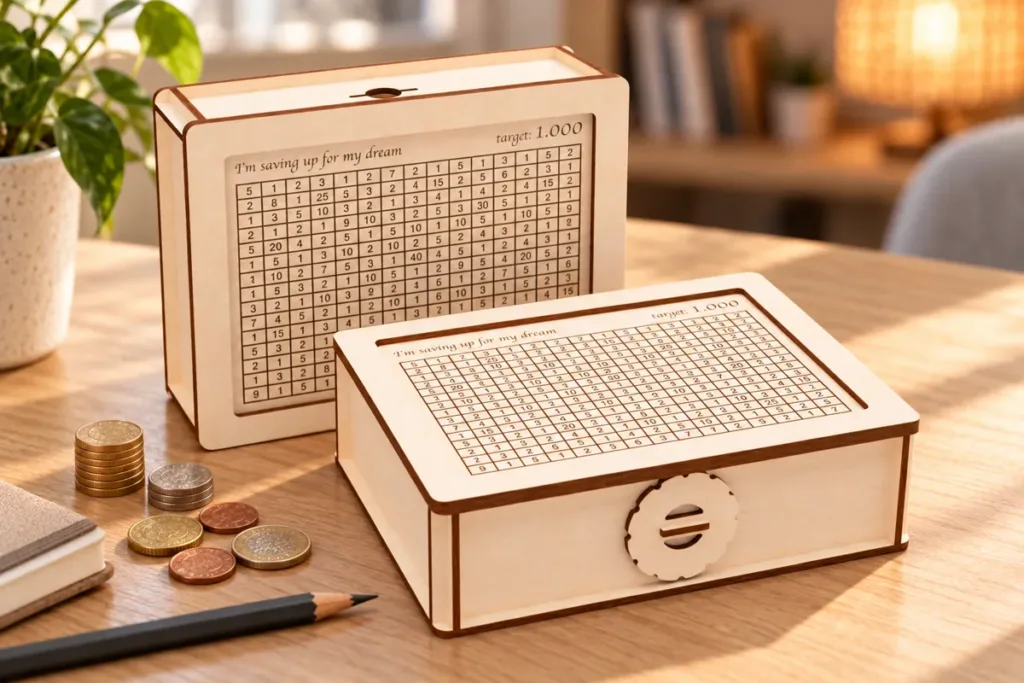
Assembly took under 10 minutes – and now it proudly sits on my shelf, quietly reminding me of my goal.
Tip: plywood is rarely exactly 3 mm. Before cutting the whole box, check how the slots fit on your sheet with my free Kerf & Fit Test (and here is why the fit changes).
Want to personalize your coin bank?
Here are a few easy ways to make it special:
- paint it in your favorite color;
- write your goal on the front: “For college”, “Vacation fund”, “New tablet”, even “Motorbike” or “Car”;
- let your kids decorate it with stickers or markers;
- make one panel transparent and add a small LED – it becomes a nightlight too.
Note about the LED idea: a diode laser can’t cut clear acrylic – the beam simply passes through it. Cut the window on a CO₂ laser, or score a thin acrylic sheet with a knife and snap it to size.
A coin bank as a gift
It also makes a great gift – for birthdays, New Year’s, weddings, or just for motivation. And it’s one of those gifts people actually use. A few ways to make it personal:
- put the first bill inside – it’s the nicest way to give money;
- engrave a name and a goal: “Emma’s Bike Fund”, “Our Honeymoon”, “First Car”;
- give one to a couple at a wedding, to a graduate, or to a child on their birthday – together with a promise to add a coin every week.
Looking for more handmade gift ideas? Here are my Christmas laser cut projects to make (and sell) this season.
Which coin bank to make?
The goal box is my favorite, but it is not the only one. Here is how I would choose:
- For a big dream – the target piggy banks for 10,000–100,000: same idea, bigger numbers.
- For a goal you can see – the savings goal piggy banks with a checklist and a photo frame: put a picture of your dream on the front.
- For kids – the alphabet coin bank with the first letter of their name, or the little house piggy bank.
- For book lovers – the dragon book nook coin bank that stands on a shelf between the books.
All of them are in the piggy banks collection.
FAQ
Yes. You can sell the finished, assembled coin banks made from this template – at a craft fair, in your shop or as gifts. The only restriction: the digital files themselves cannot be shared or resold.
Pick an amount you can reach in 6–12 months with a fixed weekly sum – for example, $25 a week fills a 1000 box in about 9 months. When it is full, start a bigger one.
I cut mine from 3 mm plywood. The set also includes versions for 4 mm and 1/8″ materials. If your sheet is a little thinner or thicker than its label, check the slot fit with the free Kerf & Fit Test first.
Yes. Every goal level comes in two versions: one with the dollar symbol and one with just the number, so you can use it for euros, pounds or any other currency.
All 10 savings levels (1000 to 10000) in 6 formats: AI, CDR, DXF, EPS, PDF and SVG. They work with LightBurn, xTool Creative Space and most CO₂ and diode lasers.
Want to try it yourself?
You can download the template instantly. It includes all 10 savings levels in 6 formats: AI, CDR, DXF, EPS, PDF, SVG – with and without the dollar symbol.
Happy saving!
– Pavel
2 Comments
Great content! Keep up the good work!
Thank you.